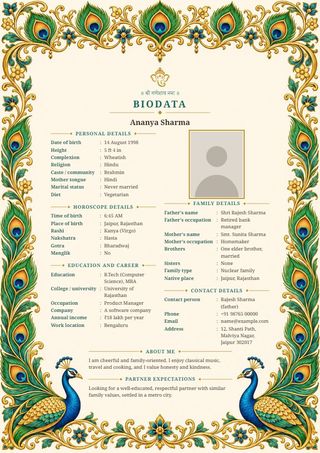
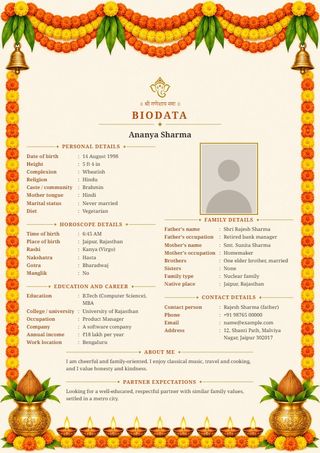
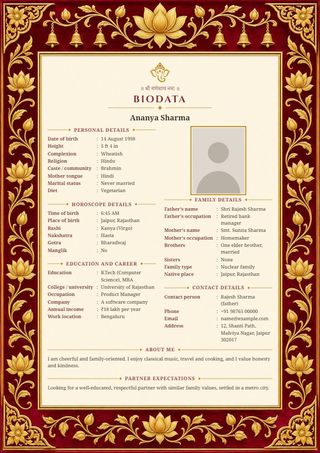
How to send a biodata on WhatsApp
- Fill in your details above and pick a design.
- Press Send on WhatsApp. Your phone's share list opens; choose WhatsApp and then the chat or group.
- On a computer, press Download image and attach the saved picture in WhatsApp.
Image or PDF: which should I send?
- Send the image when the biodata will be read on a phone. It opens inside the chat without a tap, and can be forwarded to relatives straight away.
- Send the PDF when someone wants to print it, or when you are emailing it.
Tips for a biodata that reads well on a phone
- Keep it to what matters. A page with fewer details has bigger letters and is easier to read on a small screen.
- Use a clear, well-lit photo of your face and shoulders.
- Put the contact person's name beside the phone number, so the other family knows whom to ask for.
- Send it as a document in WhatsApp if you want it to keep full quality: press the paper-clip, choose Document, then pick the image.
Questions
Will the picture be clear after WhatsApp shrinks it?
Yes. The image is large enough to stay readable after WhatsApp's own shrinking. For full quality, send it as a document.
Is my photo uploaded anywhere?
No. The picture is made inside your browser. It goes only where you send it.
Can I make it in Hindi or Telugu?
Yes. Choose हिंदी or తెలుగు at the top of the form.