How to get your biodata as a PDF
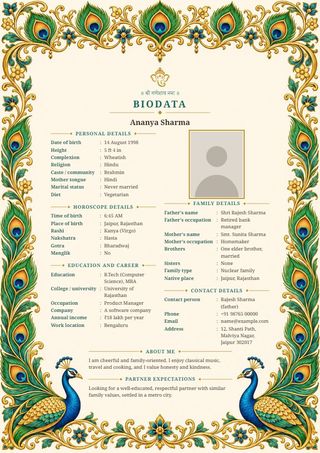
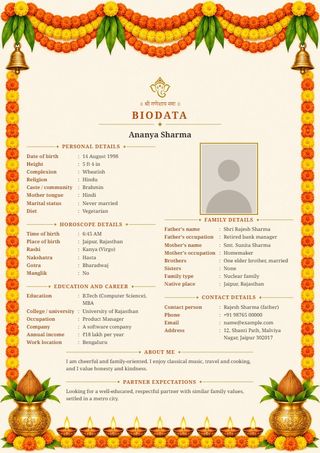
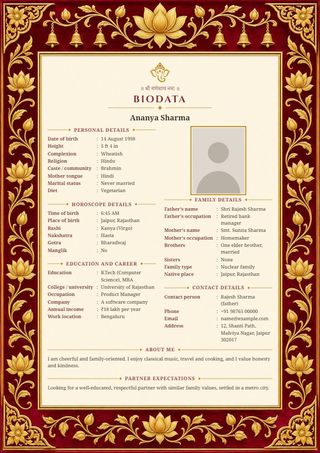
- Fill in your details above, add a photo and pick a design.
- Press Download PDF. The file is saved to your downloads as "Your Name Biodata.pdf".
- Print it on A4 paper, or attach it to an email or a matrimony profile.
Why a PDF
- It prints sharply. The PDF holds the page at print quality, so letters and borders stay crisp on paper.
- It is exactly A4. Any print shop can print it without adjusting anything.
- It looks the same everywhere and cannot be changed by accident when it is forwarded.
Printing tips
- Ask for A4 paper, colour printing and "fit to page" or 100% size.
- Slightly thicker paper (100 gsm or more) looks better when the biodata is handed over in person.
- The Simple and Classic Maroon designs also print well in black and white.
Questions
Is the PDF one page?
Yes. The text shrinks a little as you add more, so the biodata always stays on one A4 page.
Can I edit the PDF later?
Come back to this page in the same browser. Your details are still here, so change what you need and download again.
Are my details stored on a server?
No. The PDF is made inside your browser and saved straight to your device.