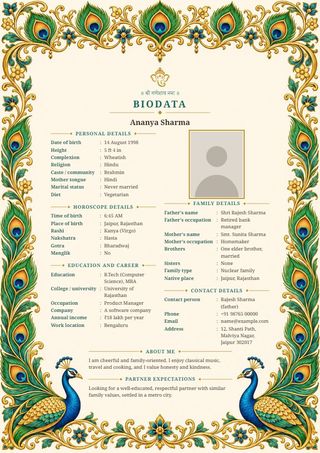
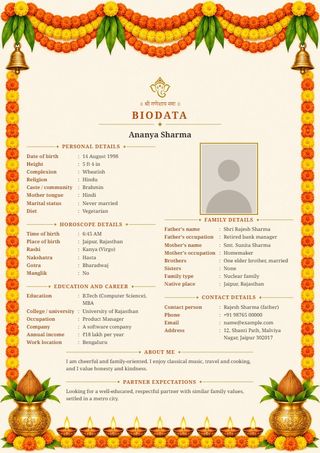
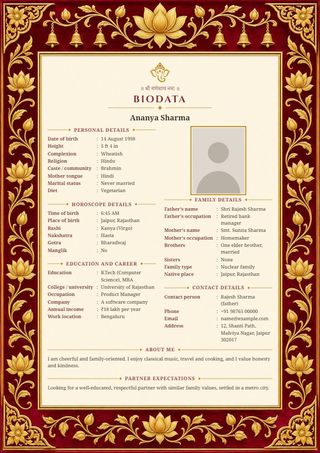
Biodata designs
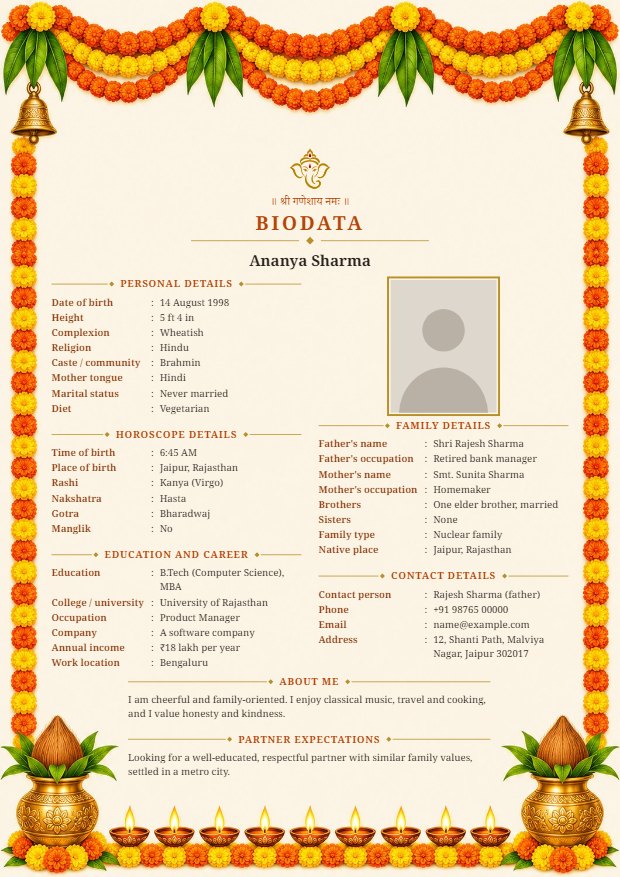
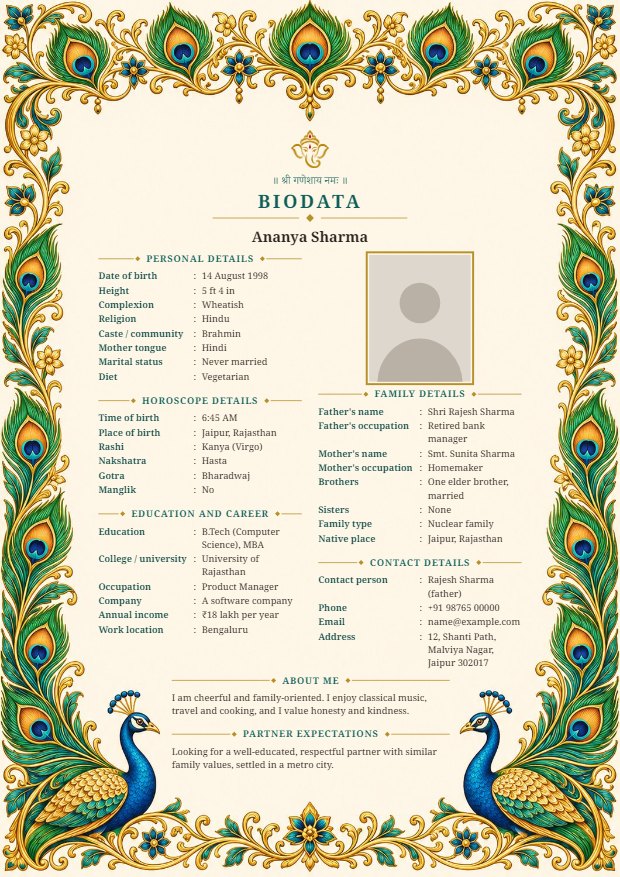
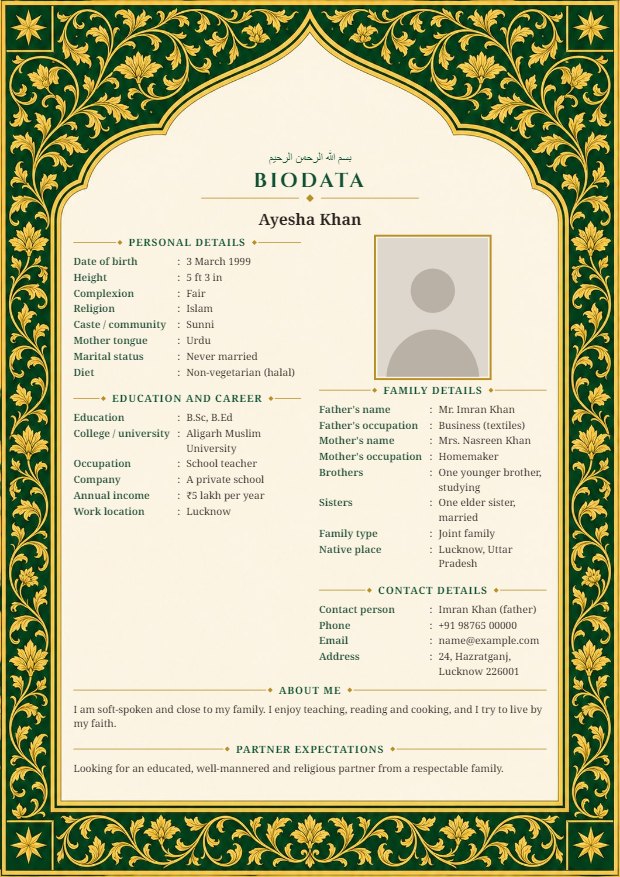
How to make a marriage biodata
- Type your personal, family and contact details into the form. Any field you leave blank is left out of the biodata.
- Add a photo and pick a design. The preview updates as you type.
- Press Send on WhatsApp, or download the biodata as an image. It is one A4 page, ready to forward or print.
What to include in a biodata for marriage
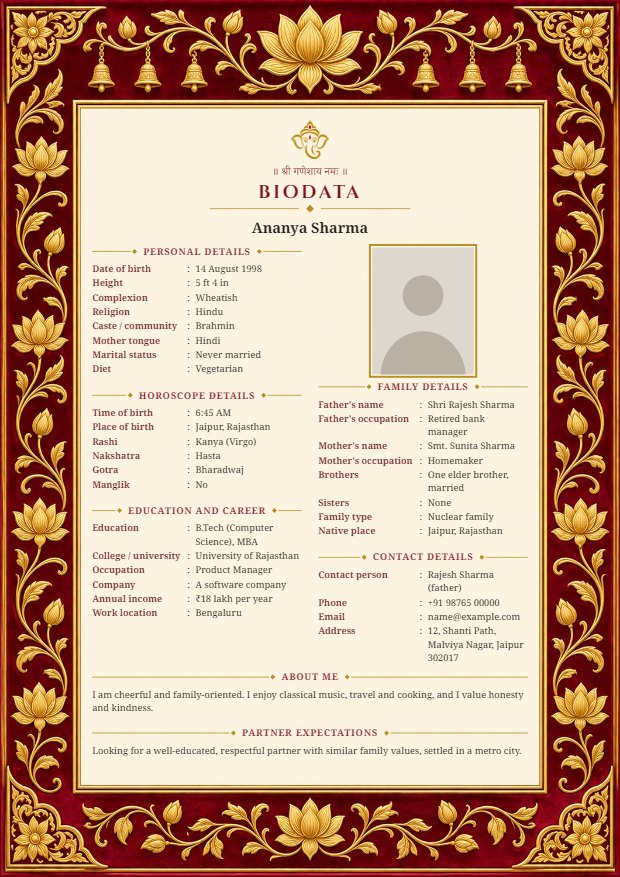
A good biodata fits on one page and answers what the other family will ask first:
- Personal details: name, date of birth, height, religion, community and mother tongue.
- Horoscope details: time and place of birth, rashi, nakshatra and gotra, if your family matches horoscopes. Switch this section off if you do not need it.
- Education and career: highest qualification, current job, employer and city.
- Family details: parents' names and occupations, brothers and sisters, native place.
- Contact details: the person families should call, a phone number and your address or city.
- A short note about yourself and what you are looking for in a partner.
Questions
Is this biodata maker free?
Yes. You can fill in, preview and download your biodata without paying or creating an account.
Are my details and photo safe?
Yes. The biodata is made inside your own browser. Your details and photo are not sent to any server, and nobody else can see them. A copy is kept in this browser so you can come back and edit; press "Clear everything" to erase it.
Can I make the biodata in Hindi or Telugu?
Yes. Choose हिंदी or తెలుగు at the top of the form and every heading on the biodata changes to that language. Type your own details in whichever language you like.
Can I add my own fields?
Yes. Every section has an "Add a field" button, and one-tap suggestions such as hobbies, a second phone number or your grandfather's name.
How do I send it on WhatsApp?
On a phone, press "Send on WhatsApp" and pick the chat. On a computer, the image is downloaded and you attach it in WhatsApp as usual.
Does it work on a phone?
Yes. It is made for phones first. Press "Preview" at the bottom of the screen to see the full page.